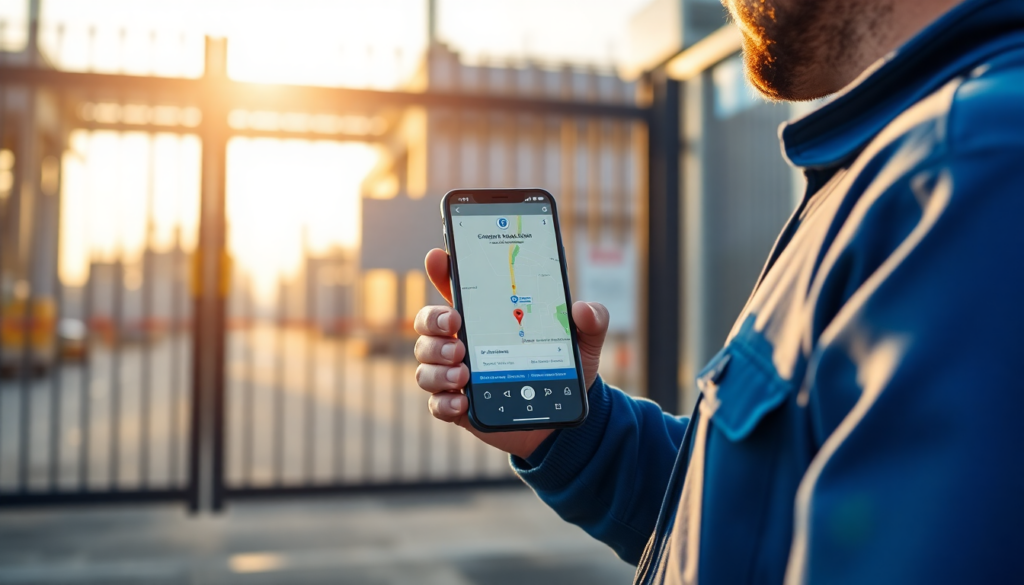
Three years ago a sign-in sheet was enough. The worker arrived, wrote their name, and that was the shift documented. Then came the disputes, the client who denies seeing anyone, the worker who clocks in for a colleague, the site that’s recorded as visited two hours before the scheduled time. The sign-in sheet stopped working. And so came the apps.
But not all time-tracking apps are equal. Some record only the time. Some require a constant internet connection. Some use GPS as additional information, not as certified proof. If you’re evaluating a GPS time clock app for your business, here’s what you need to understand before choosing, not after.
What a geolocated clock-in actually records
A proper geolocated clock-in records far more than a time. The moment the worker taps “Start shift,” the system simultaneously captures three things: the exact timestamp (certified by a server, not the phone’s clock), the GPS coordinates of their location, and the identity of the authenticated user. All of this is sent to the server and cannot be changed afterwards.
Set a geolocated clock-in on a real shift, with server timestamp, GPS and identity, and see if your current app captures the same three things.
No credit card, up and running in 2 minutes.
Open your trialThe difference between a standard clock-in and a geolocated one is exactly here: the position is recorded as the event happens, not entered manually later. A worker cannot claim to be on site if their coordinates show they are ten miles away. This isn’t about distrust, it’s about having verifiable evidence under the Working Time Regulations 1998 and in any client dispute. You can see the full technical details on the GeoTapp TimeTracker page.
The practical impact is immediate. When a client says “your team arrived late,” you have a document with timestamp and GPS coordinates that answers objectively. When a worker claims to have completed a job, you can verify their clock-in data matches the assigned site.
Three questions that separate serious apps from the rest
Not all apps marketed as “geolocated” actually use GPS as evidence. Some display a map as a UI element but the location data is declarative, the worker picks a site from a drop-down, and the system records the site’s address, not the phone’s actual position. It’s a subtle distinction but a crucial one: in a legal dispute or an Employment Tribunal hearing, this is exactly the question that will be asked.
The first question to ask any vendor: is the GPS position acquired from the device at the moment of the clock-in, or entered manually? If the answer isn’t “yes, from the device’s GPS in real time,” that app doesn’t produce evidence in any meaningful sense.
The second: can clock-in records be modified after they’re saved? A system that allows editing of times and positions after the fact provides no data integrity guarantee. Records must be immutable once saved, the way entries on a VAT invoice are. Any system that allows unlimited edits to saved records cannot be used as credible evidence under UK employment law.
The third: what happens without internet? A worker in an underground car park, a basement service area, or a rural location with poor signal must be able to clock in offline. Data must be saved locally on the device and synced when the connection returns. If the app fails without internet, you’ll lose records every time there’s a network problem, and those are always the records you’ll need most.