![How to choose an attendance recording software for SMEs [2025 Guide]](https://geotapp.com/blog/wp-content/uploads/2025/11/generated-image-2025-11-17-2.webp)

Contenuti
- Introduction
- Why time tracking software is crucial for SMEs
- The hidden cost of manual management
- The concrete advantages of good software
- The 7 essential characteristics to look for
- 1. Ease of use (for everyone)
- 2. Smart geolocation
- 3. Flexibility for different types of work
- 4. Reporting and data export
- 5. Real customer support (not chatbot
- 6. Transparent and scalable pricing
- 7. Guaranteed regulatory compliance
- The 5 most common mistakes (and how to avoid them)
- Mistake #1: Choosing based on the lowest price
- Mistake #2: Buying software that’s too complex
- Mistake #3: Not testing with employees
- Mistake #4: Ignoring integration with existing tools
- Mistake #5: Not Reading Real Reviews
- Comparison: Cloud vs on-premise software
- Cloud Software (SaaS)
- On-Premise Software
- The ultimate checklist for choosing
- ✅ Core functionality
- ✅ Reporting and Data
- ✅ Compliance and Security
- ✅ Usability
- ✅ Support and Service
- ✅ Price and Contract
- ✅ Scalability and Integrations
- GeoTapp: the solution designed for Italian SMEs
- Why GeoTapp is different
- Offer for the first 50 customers
- Conclusion: How to proceed
Introduction
Choosing the right time tracking software for your SME is not a decision to take lightly.
Let’s be clear: an inadequate system can cost you hours of manual labor, errors in payslips, dissatisfied employees and—in the worst case—penalties for regulatory non-compliance.
On the other hand, the right software can save you up to 15 hours a month in attendance management alone, reduce errors by 90% and give you finaIntroduction
Choosing the right time tracking software for your SME is not a decision to take lightly.
Let’s talk about complete control over hours, overtime and personnel costs.
But how do you choose when the market offers dozens of different solutions, each promising to be ‘the best’?
In this guide, I’ll explain exactly what to look at, what questions to ask, what mistakes to avoid, and how to evaluate your options objectively.
At the end you will have a practical checklist to compare the software and choose the perfect one for your company.

Why time tracking software is crucial for SMEs
Before we get into the selection criteria, let’s understand why this tool is so important for small and medium-sized businesses.
The hidden cost of manual management
Managing attendance with Excel sheets, paper cards or—even worse—”from memory” has enormous hidden costs:
- Administrative time: 2-3 hours a week to collect, verify and enter data
- Human errors: Miscalculations, forgotten hours, overtime not counted
- Disputes: Employees who dispute schedules or holidays because certain data is missing
- Sanctions risk: Non-compliance with working hours and privacy regulations
For a company with 10 employees, this translates to around 150 hours a year lost only in red tape.
The concrete advantages of good software
A well-chosen digital system gives you:
✅ Complete automation: Stamping, calculation of hours, overtime, vacations—all automatic ✅ Certified data: Timestamp and geolocation make attendance incontestable ✅ Time savings: From 15 hours a month to 2 hours a month for management ✅ Regulatory compliance: GDPR, regulations on working hours, everything covered ✅ Real-time visibility: You always know who works, where and for how much ✅ Payroll integration: Export data and pass it directly to the accountant
So it’s not just a matter of “modernizing” —it’s a matter of efficiency, cost, and peace of mind.
The 7 essential characteristics to look for
Here’s what an attendance recording software for SMEs MUST have in 2025.
1. Ease of use (for everyone)
The world’s most powerful software is useless if nobody uses it.
What to check:
- Fast onboarding: Can you set everything up in less than 30 minutes?
- Intuitive interface: Does a new employee understand how to stamp without training?
- Native mobile app: Can employees ring from smartphones in 2 taps?
- Clear dashboard: Do you (or the administrator) immediately see who’s there, who’s missing, who’s late?
Practical test: Ask for a demo and try to do a stamping. If it takes longer than 10 seconds, it’s too complicated.
2. Smart geolocation
For SMEs with employees who work off-site (construction sites, customers, events), geolocation is essential.
What to check:
- GPS accuracy: Do you use Google Maps or reliable systems?
- Privacy by design: Track ONLY at the time of stamping, not while working?
- Signal tolerance: Does it work even with weak GPS (buildings, underground)?
- GDPR compliance: Do you have a clear privacy policy and explicit consent?
Attention: Many software continuously tracks your location—this is illegal in Italy without specific justification. Always check.

3. Flexibility for different types of work
Your company probably has:
- Employees at a fixed office
- Officials on the move
- Part-time with variable hours
- Occasional collaborators
- Different shifts for different departments
The software must handle ALL of these scenarios without complications.
What to check:
- Customizable shifts: Can you create different shifts for different teams?
- Flexible hours: Do you manage smartworking, flexible hours, time bank?
- Automatic overtime: Does it automatically calculate overtime beyond the contract?
- Holidays and leaves: Request, approval and automatic counting?
4. Reporting and data export
The data is of little use if you can’t use it.
What to check:
- Ready reports: Monthly attendance, overtime, absences—ready in 1 click?
- Export CSV/Excel: Can you export everything for the accountant?
- Customization: Can you choose which fields to export?
- Unlimited history: Can you access data from 6 months ago, 1 year ago, 3 years ago?
Key question: “Can I export the data in a format compatible with my payroll software?”
5. Real customer support (not chatbot
)When you have a problem—maybe at the end of the month with your payrolls—you need REAL help, not a chatbot that refers you to generic FAQs.
What to check:
- Support channels: Email, phone, chat? All three?
- Response times: Do they respond in 24 hours or 5 days?
- Support in Italian: Are you talking to someone who understands your problem?
- Assisted onboarding: Do they help you set everything up in the beginning?
Practice test: Send a test email before buying. How long does it take for us to respond? How do they respond?
6. Transparent and scalable pricing
Always be wary of “contact us for a quote” without indicative prices.
What to check:
- Price per user/month: Is it clear and published?
- Hidden costs: Are there activation, training, support costs?
- Scalability: If you add 5 employees, how much does the cost increase?
- Trial period: Can you test for free for at least 14-30 days?
Realistic benchmark: For an SME, good software costs between €2 and €5 per employee per month. Less than that often means limited functionality; much more is oversized
.7. Guaranteed regulatory compliance
It is non-negotiable: the software MUST comply with all Italian and European regulations.
What to check:
- GDPR compliant: Do you have privacy policy, consent, right to be forgotten?
- Working time regulations: Do you respect daily limits, breaks, breaks?
- Data certification: Are the time stamps certified and unquestionable?
- Automatic backup: Is the data safe even in the event of a failure?
Key question: “Do you have a GDPR certification? Can I see the privacy statement?”

The 5 most common mistakes (and how to avoid them)
Mistake #1: Choosing based on the lowest price
The software at €0.99/user/month seems like a deal—until you find out that:
- It has no mobile app
- Data export is manual
- Support responds after 1 week
- Essential functions are missing
Solution: Evaluate total cost of ownership (TCO): price + time saved + errors avoided. Often the software at €4/month saves you €200/month
in administrative time.Mistake #2: Buying software that’s too complex
Software designed for companies with 500+ employees has features you’ll never use:
- International multi-site management
- Integration with 50 HR systems
- 7-level approval workflow
For an SME, these are just unnecessary complications.
Solution: Choose software designed for SMEs, not an “enterprise” scaled down.
Mistake #3: Not testing with employees
You can find the perfect software, but if employees don’t use it (because it’s complicated, slow, unintuitive), you’ve failed.
Solution: During the trial period, have 2-3 representative employees test the software. Ask for honest feedback. If they say ‘it’s complicated’, listen to them.
Mistake #4: Ignoring integration with existing tools
If you already use payroll software, a management software, a CRM—the new software must integrate without friction.
Solution: Before choosing, check: “Can I export the data in a format compatible with [the name of your payroll software]?” If the answer is vague, it’s a problem
.Mistake #5: Not Reading Real Reviews
The vendors’ websites always show success stories. But what do real customers say?
Solution: Search for reviews on:
- Google My Business
- Trustpilot
- Industry forum
- Facebook groups of entrepreneurs
Look for patterns: if 10 people say ‘slow support’, that’s a fact.
Comparison: Cloud vs on-premise software
Cloud Software (SaaS)
Advantages:
✅ No installation—works right away ✅ Automatic updates ✅ Accessible anywhere (even from a smartphone) ✅ Automatic backup ✅ Predictable monthly cost
Disadvantages:
❌ You depend on the internet connection ❌ Data on the provider’s server (GDPR check)
Ideal for: modern SMEs, distributed teams, those who want simplicity.

On-Premise Software
Advantages:
✅ Data on your server ✅ Total control ✅ No recurring monthly costs
Disadvantages:
❌ High initial cost (license + server + IT) ❌ Manual maintenance and updates ❌ Not remotely accessible (without VPN) ❌ Manual backup
Ideal for: Companies with internal IT infrastructure, extreme security requirements.
Tip for SMEs: In 2025, the cloud is almost always the best choice for simplicity, cost and flexibility.
[PICTURE 4: cloud-vs-onpremise.png]
The ultimate checklist for choosing
Use this checklist to compare software objectively.
✅ Core functionality
- Stamping from the mobile app (iOS + Android)
- Geolocation at the time of stamping
- Automatic calculation of hours worked
- Overtime management
- Request and approval of vacations/permits
- Customizable shift management
- Real-time notifications (delays, absences)
✅ Reporting and Data
- Automatic monthly attendance reports
- Unlimited CSV/Excel export
- Customizing export fields
- Unlimited data history
- Real-time dashboard
✅ Compliance and Security
- GDPR compliant (with documentation)
- Privacy by design (geolocation only by stamping)
- Daily automatic backup
- Data encryption
- Italian working time regulatory compliance
✅ Usability
- Onboarding can be completed in less than 30 minutes
- Intuitive interface (tested with employees)
- Native mobile app (not just responsive web)
- Stamping in less than 10 seconds
✅ Support and Service
- Support in Italian
- Response within 24 hours (verified)
- Complete and clear documentation
- Video tutorials available
- Assisted onboarding included
✅ Price and Contract
- Clear and published price per user/month
- No hidden costs (activation, training)
- Free trial period (at least 14 days)
- No long contractual obligations (max 12 months)
- Simple cancellation without penalty
✅ Scalability and Integrations
- Scalable (easy to add/remove users)
- Export compatible with existing payroll software
- Available APIs (for future integrations)
GeoTapp: the solution designed for Italian SMEs
If you’re looking for software that ticks ALL the boxes on the checklist above, GeoTapp was designed for exactly that.
Why GeoTapp is different
Born from real experience
GeotApp was not created in a meeting room by consultants who have never managed a company.
It was born from the direct experience of the founder, who—tired of complicated and expensive software—built the solution he wanted to have when managing his team.
Simplicity without compromise
- Onboarding in 5 minutes: Follow the guided procedure and you’re up and running
- 2-tap stamping: Open the app, press’ Enter ‘, done
- Very clear dashboard: See immediately who is present, who is missing, who is late
100% GDPR-compliant geolocation
- Track ONLY at the time of stamping (entry/exit)
- No continuous tracking while working
- Complete privacy policy and explicit consent
- High GPS accuracy with tolerance for weak signals
Honest and transparent pricing
- €2-4 per employee per month (less than two coffees)
- No hidden costs
- Unlimited CSV export included
- Direct support included (no call center)
Real support, not chatbots
When you have a problem, you speak directly with the GeotApp team—often with the founder himself.
No lost tickets, no automated replies, no ‘we’ll get back to you’.
Offer for the first 50 customers
If you choose GeoTapp among the first 50 customers, you get:
✅ Price locked forever (even when we increase the price lists) ✅ Priority access to all new features ✅ Dedicated support with guaranteed 24-hour response ✅ Personalized onboarding included
Conclusion: How to proceed
Choosing the right time tracking software for your SMB isn’t complicated—if you know what to look for.
To recap:
- Identify your needs: How many employees? Do they work on site or off site? What hours do they have?
- Use the checklist: Compare 3-4 software using the criteria in this guide
- Test with employees: Let those who will actually use it try the software
- Check support: Send a test email before deciding
- Start with the trial period: Never buy without testing
And remember: the most expensive software isn’t always the best. The best is the one that you actually use, that saves you time and that your employees don’t hate
.Want to see GeoTapp in action?
Request a free, no-obligation demo—we’ll show you how it works, answer all your questions, and help you understand if it’s the right solution for you.
✓ Response within 24 hours ✓ No commitment ✓ Protected data
Do you have questions about choosing time tracking software? Email us at [email protected] —we’re here to help, even if you end up choosing a different vendor. Seriously.
Manage the hours of your mobile staff
GeoTapp eliminates time disputes with verifiable GPS stamping, photographic evidence for each intervention and zero sheets of paper.
Keep reading
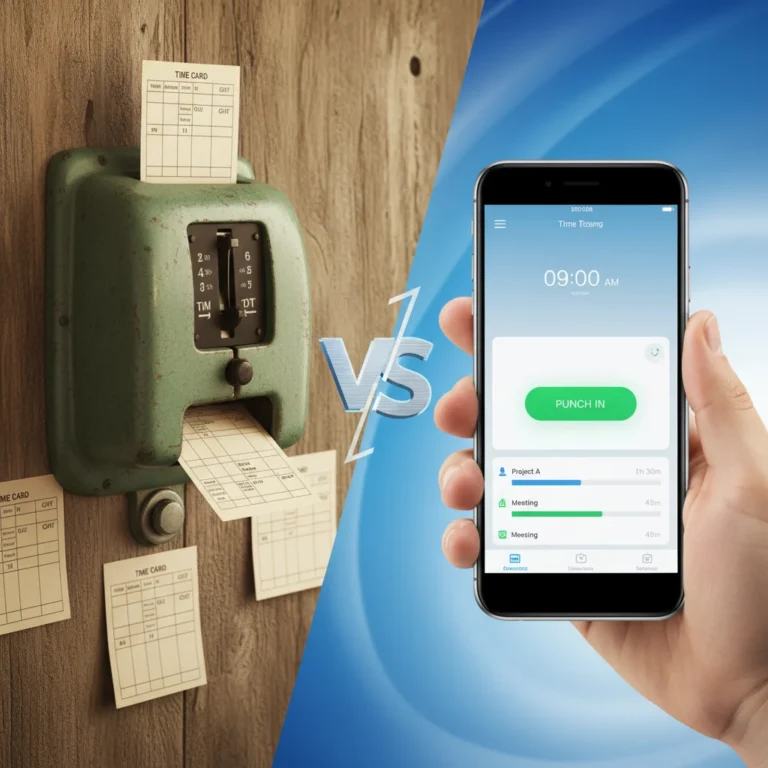
Digital Stamping vs Traditional Tag: SME 2025 Guide
18 March 2026
How to choose the right digital stamping system for your business
18 March 2026
Business Expense Control: How to Track Fuel and Tolls Without Going Crazy
18 March 2026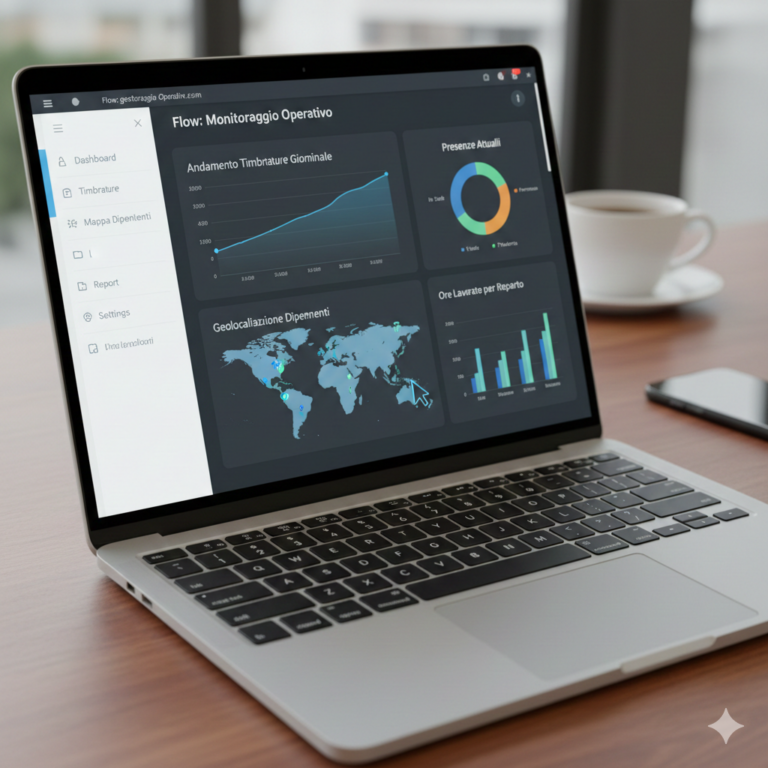
Why do SMEs lose money without knowing it: how Geotapp-Flow puts expenses, employees and inventory in order
18 March 2026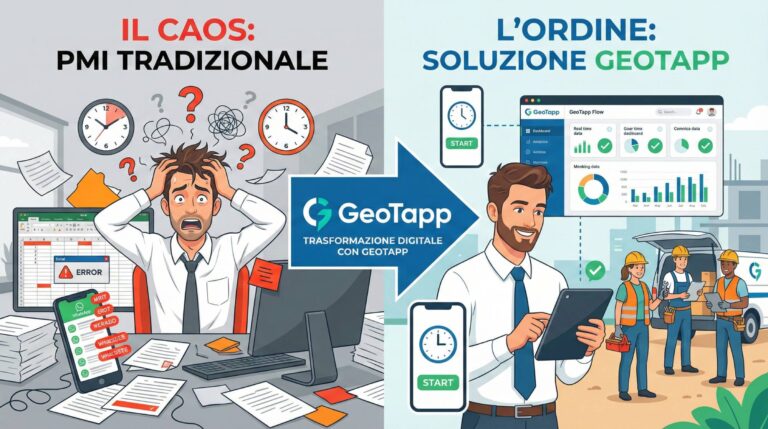
Who is GeoTapp’s ideal customer
18 March 2026
GeoTapp in 10 minutes: the owner’s console that puts you back in the center
18 March 2026