

Who this article is for: owners, operations managers and administrative managers of field service companies.
Goal: reduce disputes, recover billable hours and improve operational control without complicating fieldwork.
Mario Bianchi, electrician, was losing €12,000/year in revenue. Then he stopped using Excel.
Mario is 38, has worked as a freelance electrician for 12 years, averaging 4–5 job sites a day across homes, offices and industrial warehouses. He’s good, clients recommend him — and he was losing around €12,000 in unpaid hours every year.
Not because he was unlucky. Because he used Excel.
The problem with Excel for an electrician across multiple sites
Excel is a wonderful tool. For accounting, data analysis, planning. For documenting the work of a mobile technician, it is wrong by definition.
Here’s why:
Problem 1: data entry is retrospective
Mario filled in his hours at the end of the day, sometimes at the end of the week. Memory plays tricks: a 2-hour job becomes “about an hour and a half” by mistake.
Problem 2: no proof of where
The sheet says “site at 23 Via Roma” but doesn’t prove Mario was actually there, nor what time he arrived and left.
Problem 3: it’s editable
The client knows it. “You filled in this Excel yourself, you could have put whatever you wanted.” And they’re right.
Problem 4: it doesn’t scale
With 5 sites a day and 20 working days, Mario was filling in 100 rows per month. Every calculation error was a silent loss.
How GPS time tracking works for an electrician with GeoTapp
The flow is simple:
Morning, arriving at the first site:
Mario opens GeoTapp, taps “Start job” → the system records GPS, timestamp, site.
During the job:
He can take photos of the work done (installations, cables, panels). They are saved with automatic GPS coordinates and timestamps.
End of job:
He taps “End job” → GeoTapp generates a report with: exact duration, route, photos, any notes. In 10 seconds.
End of month:
Automatic export of all hours by client, site, type of work. Ready for invoicing.
What changed for Mario after 6 months
“Before I wasted time trying to remember what I’d done where. Now I open GeoTapp and see everything: every site, every hour, every photo. I found €1,000 of unbilled work in the first month alone because I’d forgotten to log an urgent Saturday job.”
Mario’s numbers after 6 months:
| Metric | Before (Excel) | After (GeoTapp) |
|---|---|---|
| Hours lost to imprecision | ~15 hours/month | 0 |
| Disputes conceded | 3–4/month | 0 |
| Attendance entry time | 2 hours/week | 0 |
| Revenue recovered | — | +€12,000/year |
| GeoTapp cost | — | €59/month |
| ROI | — | 1,593% |
The case of the client who “didn’t remember” the Saturday
A specific episode Mario often tells: an urgent Saturday morning job, 3 hours on the electrical panel of a restaurant. At month end, the restaurant owner claimed Mario had only been there for 45 minutes.
Without GeoTapp: Mario would have given in, or started a dispute over €90.
With GeoTapp: he sent the report link. The restaurant owner saw:
– GPS check-in at 8:47 in the restaurant car park
– GPS check-out at 11:52
– 7 photos of the work with timestamps
– Hash of the document proving report integrity
The restaurant owner paid. And renewed the maintenance contract.
Features specifically useful for electricians
GeoTapp has features particularly useful for those working on installations:
Multiple site management: each site has its own card with job history, photos, technical notes. Perfect for clients with multiple properties.
Job categorisation: you can label each job (installation, maintenance, emergency, testing) to analyse profitability by type.
Export for tax returns: GeoTapp generates a structured export for invoicing and accounting. Accountants appreciate it.
Overtime calculation: the system automatically detects out-of-hours jobs and marks them for differentiated invoicing.
From Excel to GeoTapp: migration in 1 hour
Many electricians think switching to a new system takes weeks. In reality:
- Registration: 5 minutes
- Import clients and sites: 20 minutes (or from scratch in 10 minutes)
- Download app on smartphone: 3 minutes
- First documented job: same day
No technical training, no IT consulting. GeoTapp is designed for people who work with their hands, not for people who work in front of a computer.
Comparison: Excel vs GeoTapp for freelance electricians
| Feature | Excel | GeoTapp |
|---|---|---|
| GPS presence proof | ❌ | ✅ |
| Tamper-proof timestamp | ❌ | ✅ |
| Job photos with GPS | ❌ | ✅ |
| Automatic invoicing export | Manual | ✅ Automatic |
| Per-client report | Manual (hours) | ✅ 1 click |
| Multi-site management | ⚠️ Complex | ✅ Native |
| Mobile app | ❌ | ✅ Android + iOS |
| Cost | €0 | From €29/month |
Conclusion: your time is worth more than you’re billing
If you’re a freelance electrician or small company, you’re probably already losing between €5,000 and €15,000/year in undocumented, surrendered or forgotten hours.
GeoTapp doesn’t change your work in the field. It changes how you document it — automatically, while you do it.
The Moment Excel Stops Being Enough
There is a precise moment in the life of every growing electrician — when they hire a first technician, then a second, then open a third simultaneous site — when Excel stops being a tool and becomes a problem. It is not that Excel works badly: it is that managing the complexity of multiple people on multiple sites with a spreadsheet requires maintenance work that grows exponentially.
GeoTapp was designed for exactly this. And the difference between the two approaches is not only efficiency: it is the quality of decisions you can make. With Excel you make decisions based on yesterday’s or last week’s data. With GeoTapp you make them based on what is happening now.
Keep reading
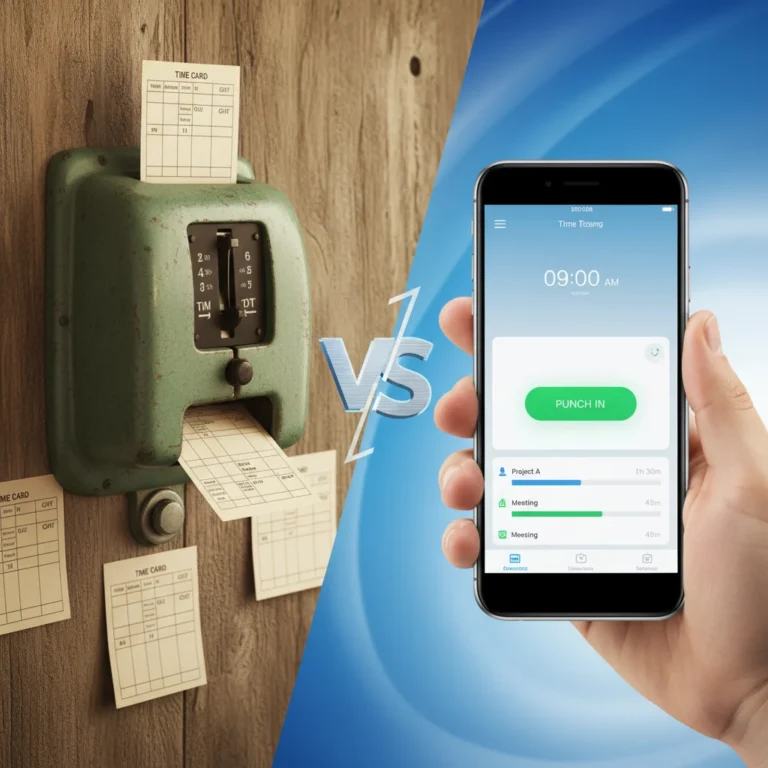
Digital Stamping vs Paper Cards: Real Costs & ROI
18 March 2026
Stop Losing 8% Revenue to Billing Disputes
7 April 2026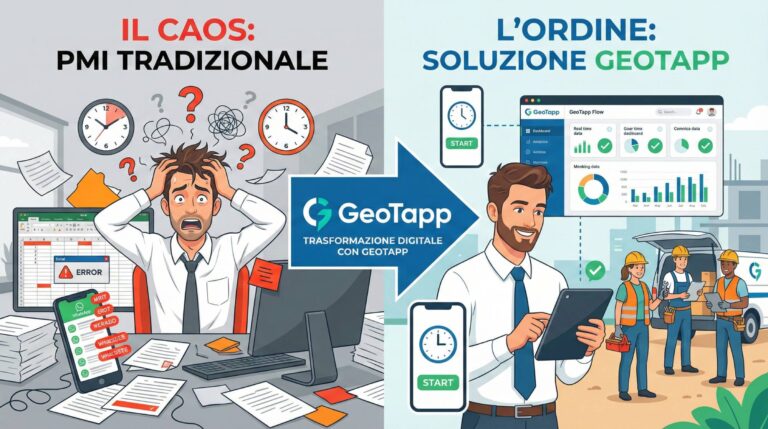
GeoTapp’s Ideal Customer: SME with 5 to 150 Field Employees
18 March 2026
Why SMEs Lose Money Without Knowing It: GeoTapp-Flow Reveals Where
18 March 2026
Choose the Right Attendance Software for Your SME
18 March 2026
5 Field Service Trends 2026 That Protect Your Margins
31 March 2026