No-Code Workflows for Field Service: 5 High-Impact Automations
Your larger competitor uses five people to handle what you manage alone. Not because they’re more skilled, because they’ve automated the repetitive work. For years, workflow automation in field service belonged to big companies: the ones with an IT department, a consultancy budget, and 12–18 months to spare. SMEs stayed on spreadsheets and WhatsApp groups. In 2026, no-code has changed that equation permanently.
What a no-code workflow actually looks like in field service
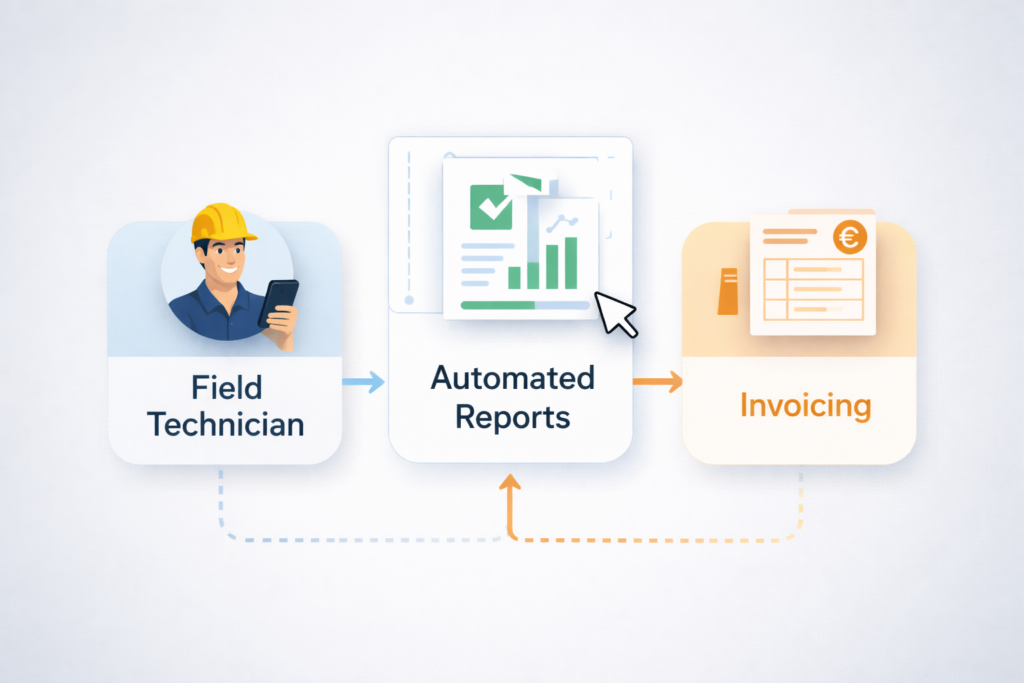
A no-code workflow is an automated sequence of actions that fires without anyone remembering to do them, and without a developer writing a single line of code. Here’s a concrete example: the technician closes a job in the system. The platform automatically generates a PDF report, emails it to the client, notifies the manager with job details and duration, and exports the data to invoicing. Nobody touches anything. The technician does their job. The system handles everything else.
Automation 1: Proof of service that writes itself
Every time an operative completes a job, the system captures a GPS-stamped photo, records the timestamp, and compiles it into a client-ready report. Under the Working Time Regulations 1998 and UK GDPR, these contemporaneous records carry real legal weight. When a client disputes an invoice three weeks later, you don’t need to reconstruct from memory. The evidence was created at the moment the work was done. Companies using automated proof-of-service report a 75% reduction in billing disputes within the first quarter.
Configure the five automations on one real contract for a fortnight, and see how many admin hours come back before the month closes.
No credit card, up and running in 2 minutes.
Open your trialAutomation 2: Attendance anomaly detection
Instead of a supervisor checking every timesheet manually, the system monitors clock-in patterns and flags deviations. An operative who hasn’t clocked in 15 minutes after shift start triggers an automatic alert. A site showing three consecutive days of late arrivals generates a manager notification. This isn’t surveillance, it’s pattern recognition that catches problems before clients notice them. ACAS guidelines support this approach provided employees are informed transparently about monitoring systems.
Automation 3: Client reporting without the Friday scramble
How many hours does your team spend every Friday compiling weekly reports for clients? Two? Four? With a no-code workflow, the report compiles itself as work is completed throughout the week. GPS data, photos, timestamps, and compliance scores aggregate automatically. On Friday morning, the system sends each client their customised report. Your admin team reclaims those hours entirely.