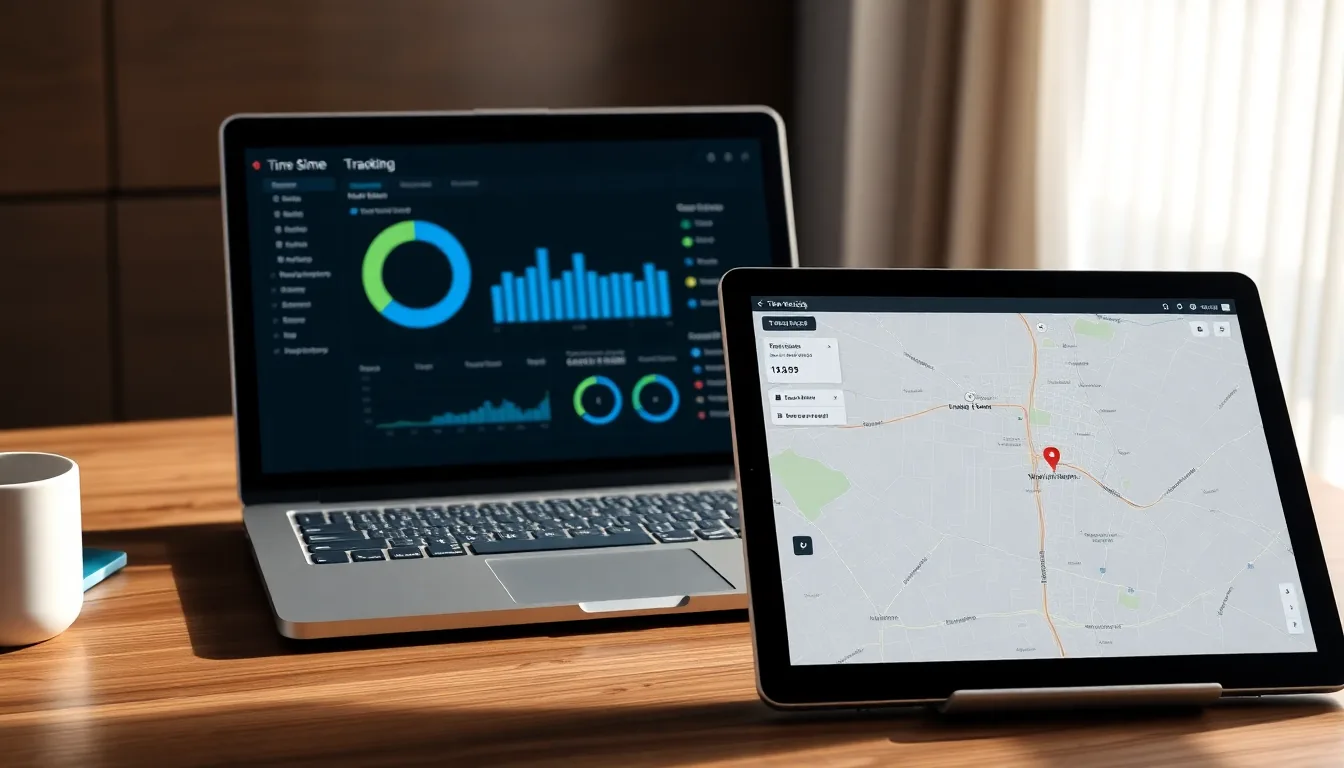
You are looking at apps to track time for your team. Someone tells you to check Clockify. You land on their site and read a phrase that wins you over instantly: “free forever, unlimited users, unlimited projects, unlimited tracking”. Zero pounds, zero limits, zero compromises. You try it with the office colleagues, it works great for project hours and client billing. Then one day you try to take it to a building site or to your cleaning team, and you notice something does not fit: GPS is not in the free plan, photographs of completed work do not exist, and when a client disputes a shift the Excel export is all the proof you have.
Clockify is an excellent product. I will not lie about them. It is Croatian-born, globally used, and their free plan is probably the most generous in the sector in terms of time tracked and user count. At the same time, it is a tool designed primarily for knowledge work: agencies, freelancers, consultancies, software teams. It was not built for someone running crews of field operatives who need to prove to the client they cleaned that restroom or installed that system. For that specific use case, Clockify has structural limits worth knowing before choosing it. That is what I want to clarify here.
Full disclosure: I am the founder of GeoTapp, so do not expect a neutral review. What I can promise is that I will not invent anything about Clockify (I will only cite official data from their site) and that I will tell you honestly where they do your job better than I do.
If you want to know whether Clockify or GeoTapp is the right answer, open both and compare them on a real job.
No credit card, up and running in 2 minutes.
Open your trialWhat both apps do (real overlap)
Clockify and GeoTapp are both time tracking apps. Both let employees record work hours, categorise them by project or client, and export periodic reports. Both are usable by SMEs without complex setup. Both have a free or trial plan.
If what you need is simply to track how many hours your staff have worked, whether they are in the office or away, the overlap exists. But it ends there. Clockify is a generalist time tracker. GeoTapp is a field service work certification tool. Two different product categories that touch only at the beginning.
Where Clockify is stronger
Clockify’s free plan is genuinely free without tricks: unlimited users, unlimited projects, unlimited time tracking, kiosk mode included, desktop and mobile apps, integrated calendar, idle detection. For creative agencies, consultancies, professional firms, software teams wanting to track hours without spending money, Clockify is a rational choice. Very few sector competitors offer this generosity in their free tier.
For knowledge work, Clockify offers features beyond the simple timer: billable and non-billable projects, differentiated hourly rates per client or activity, invoice generation based on tracked time, integrations with project management tools like Asana, Trello, ClickUp. If your business bills by the hour, Clockify gives you a comprehensive finance-to-billing workflow already in the Standard plan at around 6.99 dollars per user per month annually.
The product is mature and well maintained. Global brand, large user base, numerous integrations, multi-platform support. For anyone weighing vendor reliability as a factor, Clockify is an established option in the market.
Where GeoTapp is different (not better, different)
GeoTapp starts from a problem Clockify does not solve. It is not “how many hours has the employee worked this month”, it is “can you prove to the client the work was done at that site, at that hour, with what visible result”. A classic time tracker, even the best, measures duration. GeoTapp certifies the event. Two different things.
Concretely, with Clockify the employee opens a timer at the start of the shift and closes it at the end. At best in the Standard plan (6.99 dollars a month) their GPS location is recorded at clock-in and clock-out. There are no photographs, no anti-spoofing GPS verification, no sealed report verifiable by the client. Clockify data lives in your system and at best you can export it as PDF to send to the client. The client, however, can always reply “yes but how do I know it is genuine”. With GeoTapp you produce a sealed report the client opens through an independent verification link, sees the photo of the cleaned restroom at 9:45 PM with verified GPS position of their building, and the dispute closes in thirty seconds. Two completely different workflows.