

Managing time tracking for field workers is one of the most concrete — and most underestimated — challenges facing Italian SMEs with distributed teams.
It’s not just about knowing how many hours someone worked. It’s about having verifiable data to pay people correctly, prove on-site presence to clients, and protect yourself in case of a dispute.
The question of how to manage time tracking for field workers has no single answer. It depends on how many people you have, how many sites you manage, and how much error and imprecision you’re willing to tolerate. But the method exists, and it’s simpler than it looks.
Why traditional methods don’t work for field work
Paper timesheets work in an office. In the field, they don’t.
The classic problems reported by SME owners with distributed teams:
- Hours declared but not verifiable: the employee fills in the sheet at the end of the day, often rounding up. There’s no way to know if they were actually on site at 7:30am.
- Spreadsheets updated late: hours reach the office on Friday evening, when it’s already too late to correct problems from earlier in the week.
- No evidence for the client: if a client disputes that the team didn’t show up, you have nothing to show.
- Payroll errors: manual hour counting inevitably leads to mistakes, with both financial and legal consequences.
Field work requires a tool designed for field work.
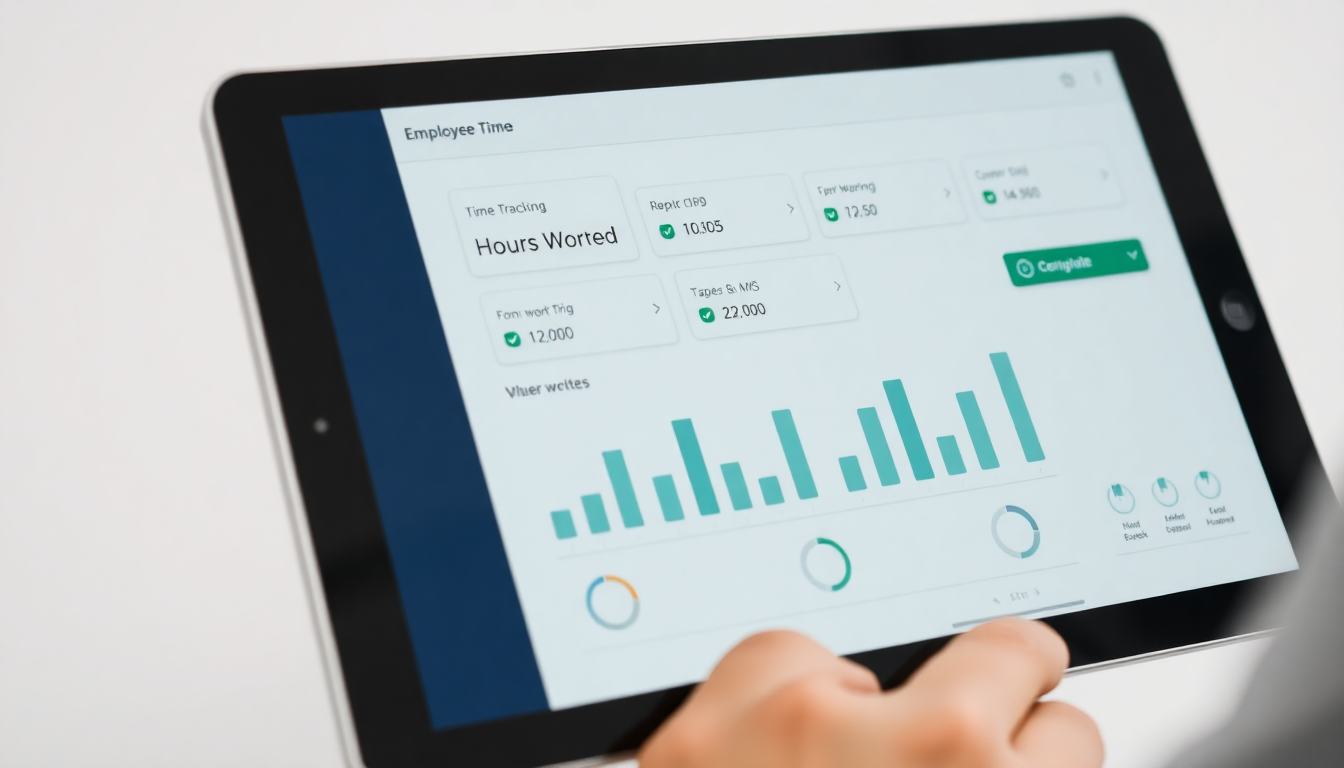
The method that works: digital GPS time tracking
Effective time tracking for field workers rests on three elements:
1. Clock in from the site, not the office
The employee starts and ends their work session directly from their smartphone, on location. The system automatically records start time, end time and GPS coordinates. There’s no way to clock in from home or from a café.
This eliminates the problem of approximate declared hours and provides objective data for calculating wages.
2. Link hours to the job
Knowing how many hours an employee worked isn’t enough: you need to know which site or project they worked on. A time tracking system linked to jobs lets you calculate the real cost of each piece of work, invoice clients correctly, and understand where you’re making money and where you’re losing it.
GeoTapp Flow shows you exactly this: hours per employee, per job, per period. Exportable for accounting with a single click.
3. Document with photo evidence
Time tracking alone isn’t always enough. If a client disputes a job or asks you to prove the team was on site, GPS coordinates help — but a photo of the completed work closes every discussion.
With GeoTapp TimeTracker, employees can attach photos directly to the work session. You have an archive of evidence for every site, automatically organised by date and employee.
What the law says about tracking workers
GPS time tracking is legal in Italy, but with precise conditions. GDPR and the Privacy Code require:
- Prior notice to the employee (what is collected, why, for how long)
- A valid legal basis (typically the execution of the employment contract)
- Data collection limited to what is necessary (no continuous tracking unless strictly required)
- A union agreement or Labour Inspectorate authorisation for certain monitoring systems
If you’re evaluating a tracking system, read our complete guide on GPS tracking and GDPR before proceeding. GeoTapp automatically generates the required legal documentation during onboarding.
In practice: how to set up tracking in less than a day
With GeoTapp you can be operational this afternoon. Here’s the flow:
- Create your company in GeoTapp Flow and enter your jobs and sites.
- Invite employees by email or link: they download GeoTapp TimeTracker on their smartphone.
- Employees clock in at the start and end of their shift from the app, linking the session to the assigned job.
- You see everything in real time in Flow: who is where, how many hours worked, any documentation photos.
- Export hours at the end of the week to Excel for payroll processing or client reporting.
No hardware needed. No IT required. Works on any Android or iOS smartphone already in your employees’ pockets.
Time tracking for field workers doesn’t have to be complicated. It needs to be reliable, verifiable and legally sound. With the right tools, it becomes all of that within hours.
Keep reading
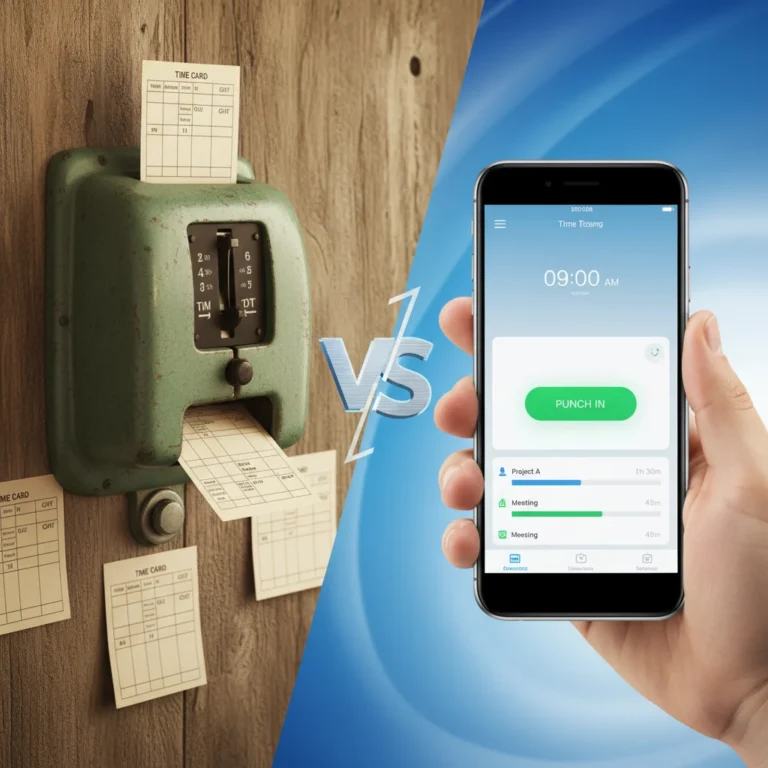
Digital Stamping vs Traditional Tag: SME 2025 Guide
18 March 2026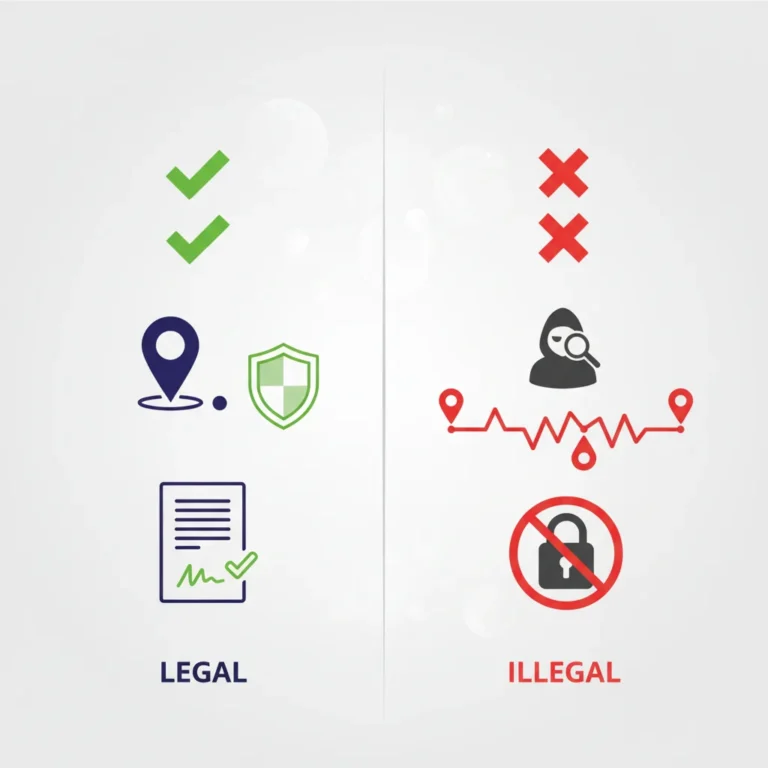
Geolocation of employees and GDPR: a practical guide to avoid mistakes
18 March 2026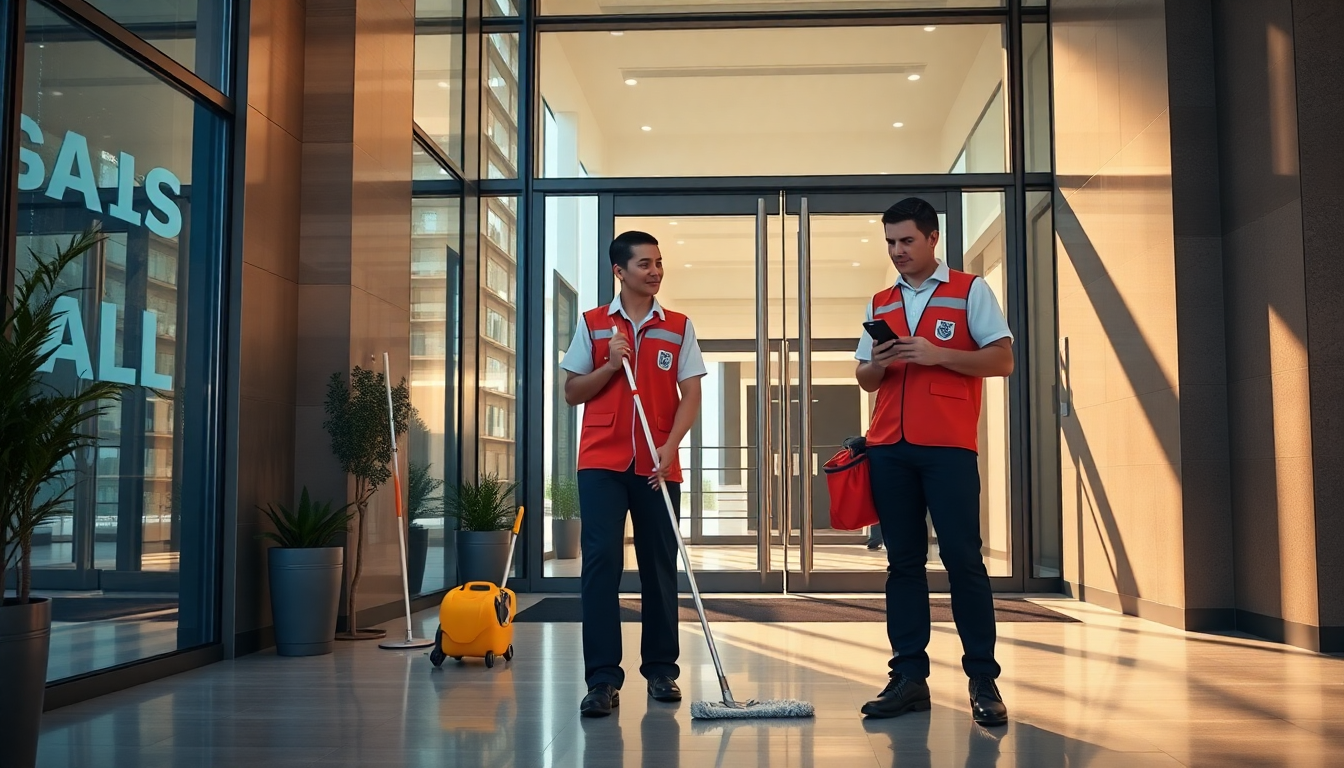
App for cleaning companies: manage teams, jobs and attendance without spreadsheets
7 April 2026
Where does Geotapp-Flow come from: the owner’s control panel
18 March 2026
How to Track Teams’ Work Hours in the Field Without Complications
18 March 2026
The End of the Analog Era: Why Traditional ERP Is Failing in the Field and How GeoTapp Redefines the Destiny of Dynamic Companies
18 March 2026