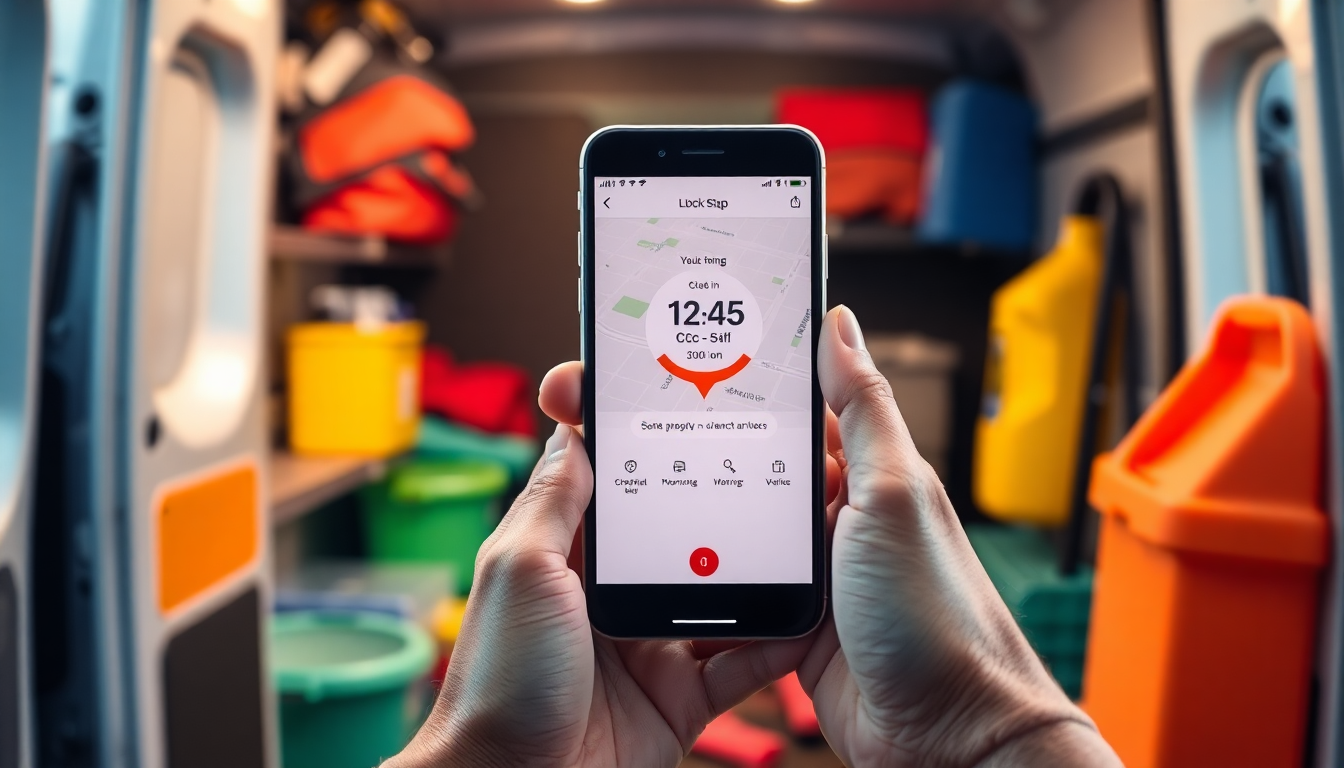
It is 9:47 on a Sunday night in a kitchen somewhere in Greater Manchester. On the table you have a black A4 notebook with the week’s rotas, a phone open on three different WhatsApp groups, and an Excel sheet that refuses to close without asking whether you want to save. Tomorrow morning before nine you need to send the invoice for the office block on King Street, and to do that you need to know how many hours Aisha actually did on Thursday, because the facilities manager has emailed to say she “thought she saw her leave early”. Thought she saw. You were not there. Aisha says no. The paper timesheet is still in the van.
This scene, with small variations, repeats every week in most cleaning businesses under twenty staff. Not because the owners are disorganised, but because the sector has always worked this way: shifts that change, sites that pop up, last-minute cover, timesheets travelling on paper, before-and-after photos sent on WhatsApp and wiped from the phone after a month. A proper cleaning business clock-in app exists to close that gap, the gap between what actually happened on site and what you can prove on a Monday morning.
The trouble is that most generic clock-in apps do not understand the cleaning trade. They are built for offices, building sites or warehouses, where someone clocks in once and clocks out once. In commercial cleaning, the same operative might do three sites in four hours, with travel time, stairs, basements, on-street parking and a tenant on the ground floor who insists on a fifteen-minute chat. To run that world, you need tools designed for that world.
What a real clock-in app for cleaning actually needs to do
The first thing, obvious but non-negotiable, is verified GPS at the moment of clock-in. It is not enough to know that Aisha tapped the “in” button at 06:03: you need to know that at 06:03 she was actually within thirty metres of the front door at 14 King Street. A serious app does not let the operative pick which site to associate with the clock-in: it recognises the site automatically from the GPS position, and if the operative is outside the geofence it flags it on the spot. No end-of-month corrections, no arguments about “I had arrived”.
The second piece is the site photo at the end of the shift. Not to spy on the operative: to protect them. When a facilities manager messages at half-past nine on a Sunday saying “the meeting room has not been done”, a date-stamped, geotagged photo of the meeting room at 18:42 closes the conversation in two replies. Without a photo, the conversation ends with a credit on the invoice or, worse, a formal contract dispute. A £180 deduction per incident, four times a month, is over £8,600 a year leaving your pocket for no reason.
The third piece, and this is where many apps quietly fail, is compliance with UK GDPR and the Data Protection Act 2018. Tracking a worker’s location is not automatically lawful. The ICO has been clear that location data is personal data, that processing must have a lawful basis, that it must be proportionate, and that staff must be transparently informed before any tracking starts. In practice that means the app should capture the GPS only at the clock-in moment, never continuously, and your privacy notice for staff needs to spell out what is collected, why, who can see it and for how long. If the vendor cannot answer those questions, it is not a vendor: it is a future enforcement problem.
If you want to test these three points against your own rota and not against a brochure, the cleaning sector page is the honest entry.
No credit card, up and running in 2 minutes.
See sectorWorking Time Regulations and how the hours actually add up
The Working Time Regulations 1998 are not optional and they bite hardest in cleaning, where split shifts and unsocial hours are the norm. A 48-hour weekly average, mandatory rest breaks, night-work limits, the right to eleven consecutive hours of rest between shifts, and proper records that an HMRC or HSE inspector can ask to see going back two years. Add the National Minimum Wage rules, where unpaid travel time between sites can quietly drag an operative below the legal hourly rate, and the Employment Rights Act provisions on itemised pay statements, and the admin burden becomes very real.