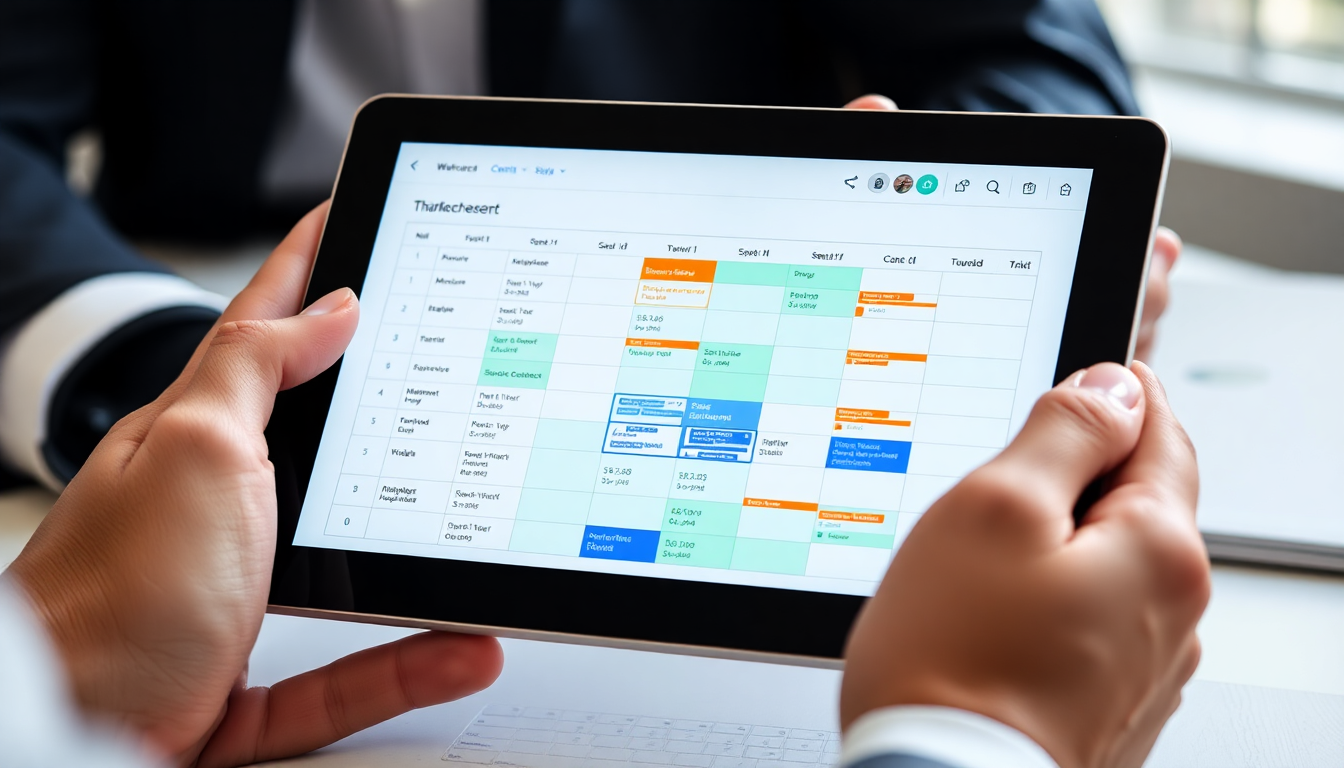
It’s Sunday evening, 9.40 pm. You’ve opened your laptop on the kitchen table; next to it is a cup of coffee that’s gone cold and a ring-bound notebook containing the names of your staff. On the screen is the Excel file showing this week’s shifts – that spreadsheet you inherited from your accountant five years ago and which you’ve kept expanding, column by column, client by client. Column B lists the names of the twenty-three people on your team; row 1 lists the names of the seventeen active building sites; and the cells contain handwritten timetables. And every Sunday evening, for the past five years, you’ve spent between an hour and an hour and a half sorting out the mess.
Because the same thing always happens. Rita messaged you on WhatsApp on Thursday at 10.30 pm saying her husband has a check-up at the hospital on Tuesday and she can’t do the shopping centre shift. Mario sent you a voice message on Friday morning at 6.14 am whilst he was already in his car, saying that his car wouldn’t start and that he’d be missing the site at the block of flats in the Lambrate area today. The new girl from Moldova – the one you took on two weeks ago – still hasn’t got the hang of the fact that on Thursday afternoons she’s supposed to be working at the private clinic, not in the head office. And now, at 9.40 pm on Sunday, you’re trying to plug the gaps by shuffling staff between clients, counting the hours so as not to exceed the national collective agreement’s hourly limit, and hoping not to schedule the same cleaner for two shifts in different parts of the city.
This is the reality for anyone running a cleaning company with between fifteen and forty staff in Italy. Excel spreadsheets for shift planning, WhatsApp groups for urgent communications, paper reports that arrive at your office on Friday afternoon crumpled up in the foreman’s tracksuit pocket, invoices that you finalise by hand in the second week of the month, counting the hours one by one. It works. It’s been working for twenty-five years. But it takes its toll: it costs you your Sunday evenings, it costs you payroll errors, it costs you lost clients when a site isn’t covered, and, above all, it costs you the feeling that the next step in growth is impossible as long as everything continues to run through your head.
If twenty-five years of Excel and WhatsApp cost you your Sunday evenings, it’s worth testing shifts and attendance over a full week.
No credit card required, up and running in 2 minutes.
See the sectorWhy Excel and WhatsApp are no longer enough once you have fifteen staff members
When you’ve got five people in your team, Excel works a treat. You know everyone’s stories, you know who’s got young children, you know who can’t work on Saturdays for religious reasons, you know who’s willing to cover last-minute shifts in exchange for a coffee. Communications go through the team’s WhatsApp group, cover arrangements are sorted with a couple of phone calls, and shift reports are checked in five minutes in the evening. The complexity is all in your head, and that’s perfectly fine. Once you’ve got more than fifteen operators and ten active sites, your head just isn’t enough anymore. Not because you’re any less capable, but because the number of possible combinations grows exponentially. With twenty operators and fifteen sites, you have three hundred possible combinations for each shift, and you have to factor these in five times a week.
The first sign that the system is breaking down is double bookings. Lucia appears on two different Excel spreadsheets at the same time – at the bank site at 6.00 pm and at the block of flats on Via Mazzini at 6.30 pm – and you only realise it on Monday morning when the bank client calls you, absolutely furious. The second sign is that the hours under the National Collective Labour Agreement (CCNL) are spiralling out of control: at the end of the month, you discover that three operators have exceeded their contractual hours and you have to pay overtime, whilst four others are below the guaranteed minimum hours and you have to top up their pay. The third is when your accountant asks for a cleaner’s monthly timesheet and it takes you forty minutes to piece it together by cross-referencing three Excel spreadsheets, the WhatsApp group and the paper reports. It’s at that moment that you realise the problem isn’t the organisation; it’s the tool.
Software designed specifically for managing cleaning staff doesn’t solve the human problem: Rita will still have to take her husband to hospital, and Mario will still have a car that won’t start. It solves the computational problem: who’s available, where they need to go, how many hours they’ve worked, how many more they can work, what qualifications they have, and which client would rather not have them. It gives you your Sunday evenings back. More importantly, it allows you to scale up from twenty staff to thirty-five without doubling the stress, because the increased complexity is handled by the software rather than in your head.
What software for cleaning companies really needs to do
On the Italian market today, you’ll find around ten tools that claim to be ‘management software for cleaning companies’. Half are generic CRMs with a green skin; the other half are serious products, but with prices and learning curves designed for multinational facility management firms. Understanding what your business – whether it has twenty, thirty or fifty staff – really needs is the first step towards avoiding wasting money. It comes down to five functions, and they must all work together seamlessly, because it is the lack of integration between them that leads to Excel chaos.
The first is shift planning that complies with the Multiservices and Cleaning National Collective Labour Agreement (CCNL). This means the software must recognise that Rita (Level 2) has a weekly working time of 38 hours, that Mario (Level 3) is entitled to 11 hours of uninterrupted rest between shifts, that overtime must be paid at 25% for the first two hours and 35% thereafter, and that the night-time premium applies from 22:00 to 06:00. When you try to schedule a shift that breaches one of these constraints, the software must stop you, rather than letting you discover the breach at the end of the month when the employment consultant calls you. The second is GPS clocking in verified on site: when the operator arrives at the block of flats on Via Mazzini, she opens the app, taps to clock in, and the system certifies that at 06:03 she was indeed within twenty metres of the agreed address. This is not a self-certification carried out from a van on the motorway, but an objective verification that allows you to resolve any dispute over non-performance in thirty seconds.