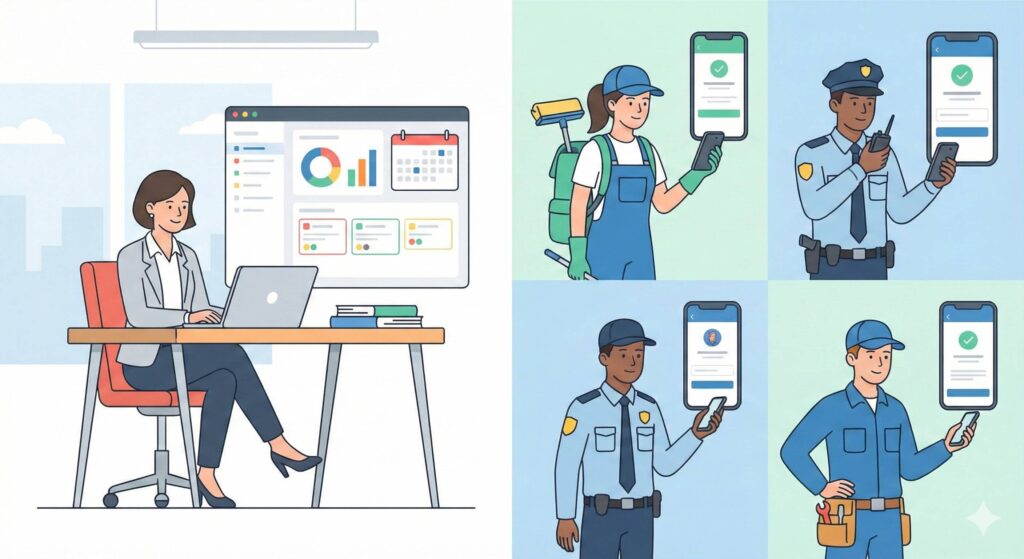
If you have staff working off-site – cleaning teams, security staff, technicians, maintenance workers – you already know how easy it is to lose track of things.
Incorrectly recorded hours, messages scattered across WhatsApp and emails, materials whose whereabouts are unknown, customer complaints because ‘there’s nothing in writing’: by the end of the month, you find yourself chasing information rather than running the business.
GeoTapp was created precisely for this reason: to transform the chaos of field work into clear, organised and useful data, without asking you to become an expert in management software or Excel spreadsheets.
GeoTapp in a nutshell
GeoTapp is a platform designed for service companies with field staff who want to:
If that list reads like your own wish list, fourteen days will tell you whether the tool delivers.
understand who is doing what, where and for which client
link hours, costs, materials and jobs to projects and orders
have a clear overview of the figures without having to chase anyone at the last minute
All this takes place within a single ecosystem that connects field work with office work.
Two products, one ecosystem
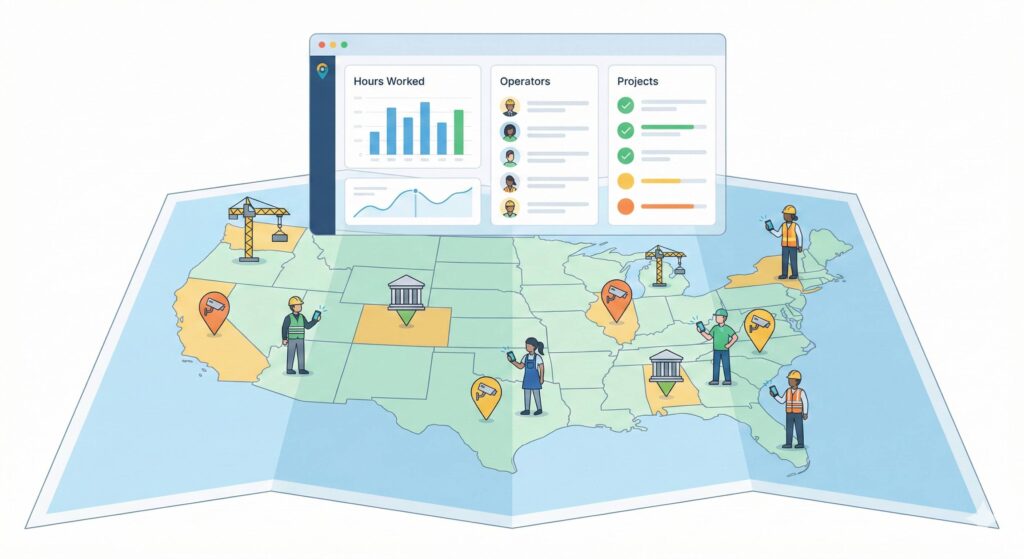
A dashboard with a stylised map showing various work sites across the area and, above the map, a GeoTapp Flow-style screen displaying a list of operators and hours worked, synchronised in real time.
To truly understand GeoTapp, it is important to clearly distinguish between its two main products, which share the same database and the same Firestore security rules based on companyId.
GeoTapp Flow: the owner’s console
GeoTapp Flow is the owner’s console: a web app (browser-only, no native app) designed for those who manage the business, not for those who clock in.
With Flow, you can:
manage customers, projects, suppliers and products (CRM)
issue quotes and invoices with PDFs ready to send or print
keep a ledger and link bank transactions, including by reading emails via IMAP
organise the team, offices, groups and availability
centralise internal communications, notes and messages related to projects
keep track of calendars, events and activities via integration with Google Calendar
use automations and an AI assistant (Gemini) for repetitive tasks and business data analysis
manage internal support tickets, integrations with Fatture in Cloud, the customer portal, dedicated access for the accountant, customised dashboards and onboarding wizards.
In practice, Flow is the ‘command centre’ where the business owner can view and manage the company: clients, figures, projects, staff and communications.
GeoTapp Timetracker: the app for field workers
GeoTapp Timetracker is its “operational arm”: it is the app used by field staff to:
clock in and out of work sessions
record breaks, movements, notes and photos of what they are doing
link hours to a specific client, project, site or shift
leave a clear and verifiable record in the event of disputes (times, locations, activities).
All this information ends up in the same Firestore database used by Flow: this means that the business owner, via Flow, can see in real time what Timetracker is recording in the field.
How Flow and Timetracker work together
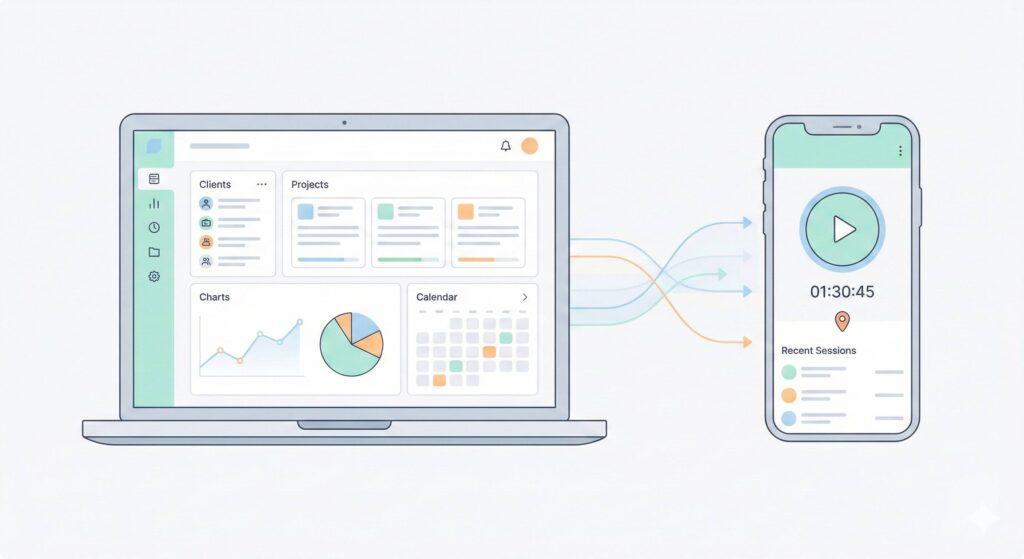
The GeoTapp Flow dashboard on a laptop connected in real time to GeoTapp Timetracker on a smartphone used by field staff to clock in and out.
Flow and Timetracker share:
the same Firebase project (geotap-v2)
the same multi-tenant Firestore database with companyId
the same security rules (firestore.rules) which ensure that each company sees only its own data.
The typical workflow is as follows:
Timetracker records work sessions (workSessions) including user, times, breaks, location, notes and photos
the data ends up in Firestore, in the same database as Flow
Flow displays this data within the employee, project, client, report and administrative views.
Result: the business owner no longer works on a hunch, but based on real data collected by their staff, without having to ask “send me the timesheet” at the end of every month.
Who is GeoTapp Flow for?
GeoTapp Flow is designed for:
owners of service companies with field staff (cleaning, security, maintenance, facilities, technical services)
administrative offices that need to invoice, record payments, maintain a general ledger and prepare clean data for the accountant
those who need a comprehensive overview of clients, projects, margins, activities and internal communications, without bulky, monolithic software.
Flow isn’t just a clocking-in app: it’s the owner’s digital desk, always open in the browser.
Who is GeoTapp Timetracker for?
GeoTapp Timetracker is designed for:
field workers who need to record the start and end of their shifts
foremen who need to manage shifts, rotas and attendance
those who need to easily demonstrate where and when a job was carried out.
Timetracker is not intended to replace accounting software, but to become a reliable source of truth regarding hours, locations, activities and actual work records.
Try GeoTapp free for 14 days
No credit card required. Get started in 2 minutes.
you are looking for an ‘all-encompassing’ ERP that also manages complex production, full accounting, advanced warehousing and HR in an integrated manner
you are not willing to change your processes even slightly to better organise information, data and responsibilities.
GeoTapp does not aim to be ‘yet another generic management system’, but rather a practical combination of:
specifically designed for those who work shifts, carry out on-site jobs, manage contracts and provide services across the region.
What you can do now
If this sounds like your business, the next step isn’t to rush out and buy software, but to see if GeoTapp really fits your needs.
You can:
tell us in a few lines how many staff you have, what sector you work in and what challenges you face each month
request a quick call to see how Flow and Timetracker could fit in with the way you work
From there, you can decide, without beating about the bush, whether GeoTapp is the right tool to give you back control over people, hours and figures, or not.
Want to find out if GeoTapp is really right for you?
Do you manage staff working off-site and find yourself chasing up hours, timesheets and scattered information every month? In that case, reading an article isn’t enough: you need to see how GeoTapp fits into your actual working environment.
We can take a look together at how field work is currently organised in your company.
I’ll show you in practice how Flow and Timetracker can help you bring order to people, hours and numbers.
At the end of the call, you’re free to decide whether to take the next step or not, with no obligation.
If I had to explain GeoTapp to someone who’s never heard of management software, the most honest way to put it would be this: GeoTapp is the system that turns your phone, and your employees’ phones, into your company’s operational headquarters, without anyone having to learn anything new. Employees clock in via the app just as they would use any other app on their smartphone. The business owner sees everything from the web console just as they would browse any website. There is no learning curve because the interfaces have been designed to be immediately intuitive.
But ease of use should not lead you to think this is a superficial tool. Beneath that simple interface lie years of engineering dedicated to solving serious problems: GPS data encryption, anti-spoofing that detects false locations, offline synchronisation, and automatic GDPR compliance. The complexity is under the bonnet, what you see is a tool that does exactly what you need without requiring you to become an expert to use it.
The Problem GeoTapp Solves Better Than Anything Else
If there is one problem that GeoTapp solves more directly and immediately than any alternative, it is this: the gap between what is happening on the ground and what you know from the office. In SMEs with field teams, this gap is ever-present. Employees are on site, you’re in the office, and between you and them there’s an hour’s delay in communication, filtered information, and data that arrives when the moment of need has already passed.
GeoTapp bridges this gap in real time. When a technician clocks in at a site, you see it immediately on the dashboard. When they complete a job and attach photos, you receive them before they’ve even returned to the van. When a problem arises, an unreachable customer, missing materials, a job taking longer than expected, you can intervene with the right information instead of finding out at the end of the day when there’s nothing you can do. In terms of efficiency and cost reduction, this operational responsiveness is worth far more than the system costs.
Picture your next field briefing with the team rolling and the office quiet by ten.
Try GeoTapp on one real week of operations. Fourteen days, no card.