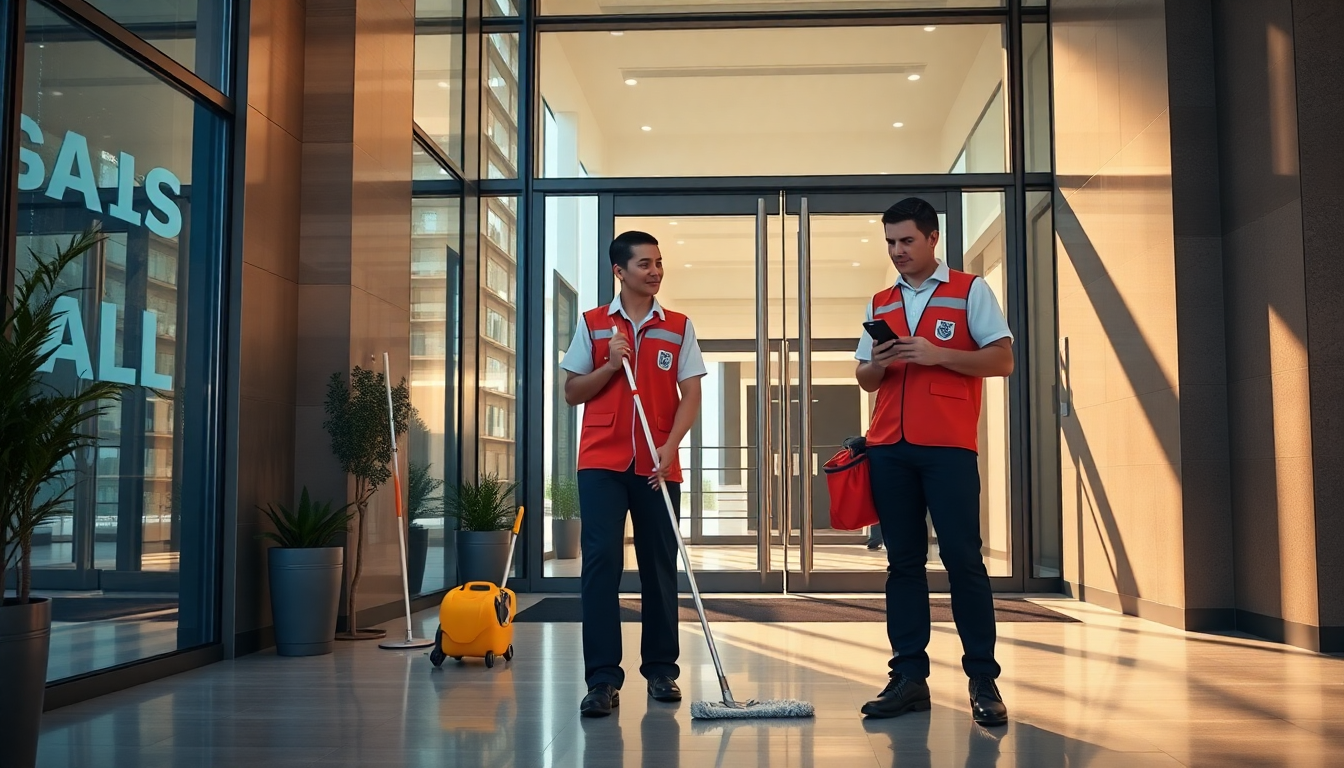

If you run a cleaning company with more than five employees, you’ll already be familiar with the routine: a WhatsApp group for assigning tasks, an Excel spreadsheet for tracking hours, and morning phone calls to find out who’s where and what they’ve done.
It works. Until it stops working.
An employee doesn’t turn up. You don’t know if they’ve arrived at the site. The client calls to ask if the team has been there. You have no proof. You have no data. You only have someone’s word.
The real problem isn’t the chaos. It’s not having control over what happens when you’re not there.
An app for a cleaning company does exactly that: it replaces notes, voicemails and Excel spreadsheets with a tool that automatically collects data, makes it verifiable and saves you hours every week.
What a cleaning company app really needs to do
Not all apps are the same. Many are designed for offices and companies with staff sitting in front of a computer. Cleaning companies have different needs: teams spread across construction sites, apartment blocks, healthcare facilities and different clients’ offices every day.
An app built for this type of work must solve five specific problems.
1. GPS clocking in
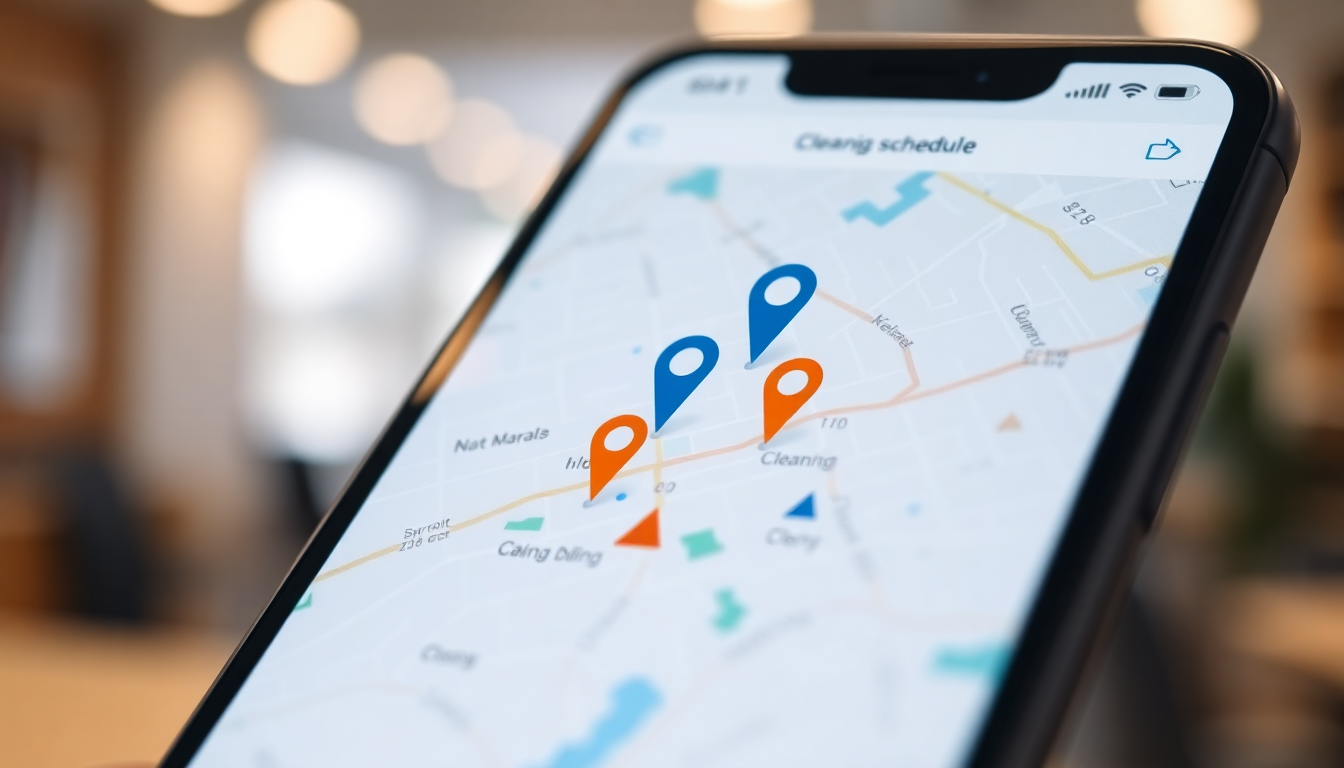
Employees clock in and out directly from their smartphone, with GPS coordinates recorded automatically. You know exactly where they were, when they started and when they finished. No more estimated hours, no more doubts about who was present and who wasn’t.
2. Job allocation
Each team sees the sites assigned for the day directly in the app. No more morning calls to find out where to go. The operational plan is already on the screen, updatable in real time if anything changes.
3. Photographic evidence of work carried out
The employee takes a photo at the end of each job. It serves as proof for the client and protection for you. If a complaint arises — “the cleaning wasn’t done” — you have documentation with a timestamp and geolocation. It’s not one person’s word against another’s.
4. Automatic reports of hours worked
Hours worked per site, per employee, per week or month. Exportable to Excel or CSV for payroll processing. No manual counting, no risk of errors in payslips.
5. Integrated communications
Operational instructions, shift change notifications, reports from the field: all in a dedicated company channel, not scattered across personal WhatsApp groups that mix work and private life.
The real cost of not having an app
Let’s do a concrete calculation. A company with 10 employees and 3 fixed sites spends on average:
- 2 hours a week collecting and verifying attendance
- 1 hour a week responding to customer complaints
- 30 minutes a day coordinating shift changes and assignments
That’s around 15–18 hours a month of administrative work that you could almost completely eliminate with the right tool.
Added to this is the operational risk: a customer disputing a job that wasn’t carried out and you have no proof. An incorrect payslip because the hours were recorded by hand. An employee claiming more hours than they should because there’s no way to verify it.
These are not rare scenarios. They are situations that cleaning companies face every month, and which a dedicated app solves at the root.
How to choose the right app for your business
Before choosing, check three things:
Does it work offline? Cleaning sites are often located in basements, car parks or areas with poor signal coverage. The app must record data even without a connection and synchronise it as soon as the signal returns.
Is it easy for staff to use? If the app requires lengthy training or has too many features, staff will stop using it. It should do a few things, but do them well and intuitively.
Does it comply with the GDPR? Employee geolocation is subject to specific privacy rules. The app must collect only the necessary data, with a clear privacy notice and a documented legal basis.
GeoTapp: the app designed for field teams
GeoTapp was built for businesses like yours: teams spread across multiple sites, a business owner who can’t be everywhere, and clients who want to know the details of every job.
Your employees use GeoTapp TimeTracker on their smartphones: they clock in, take photos of the completed job, and report any issues. You use GeoTapp Flow to see everything in real time: who is where, how many hours they’ve worked, and what they’ve documented.
No additional hardware is needed. No lengthy training is required. It works on any Android or iPhone your employees already have in their pockets. You can be up and running in less than a day.
Keep reading

Track the Team's Hours in the Field: A Simple and Controlled Method
18 March 2026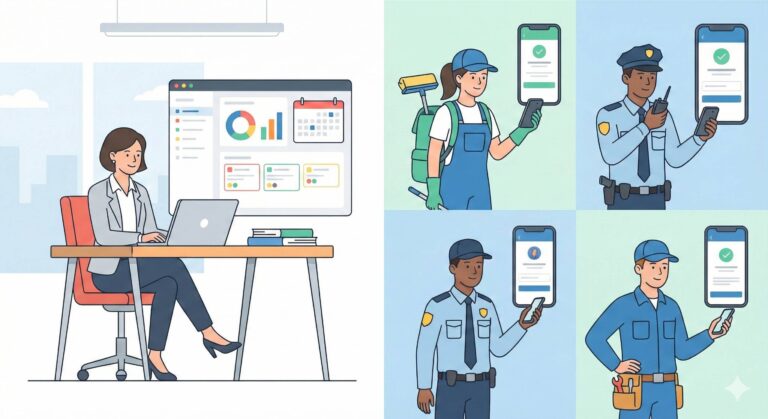
Tame the chaos on the pitch with GeoTapp
18 March 2026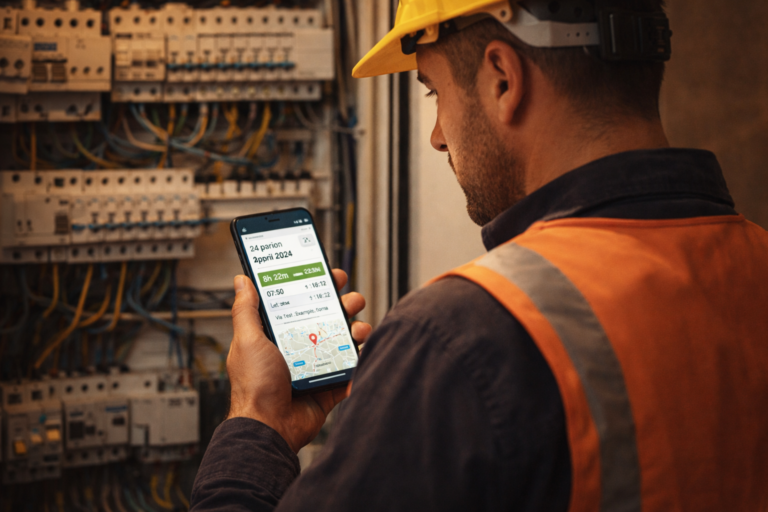
From Excel to GPS: how an electrician saves €12,000 a year
9 April 2026
Digital Stamping vs Paper Cards: Real Costs & ROI
18 March 2026
Cleaning app: say goodbye to Excel – manage your teams with GPS
9 April 2026
Control Every Cleaning Job, Grow Your Business
18 March 2026